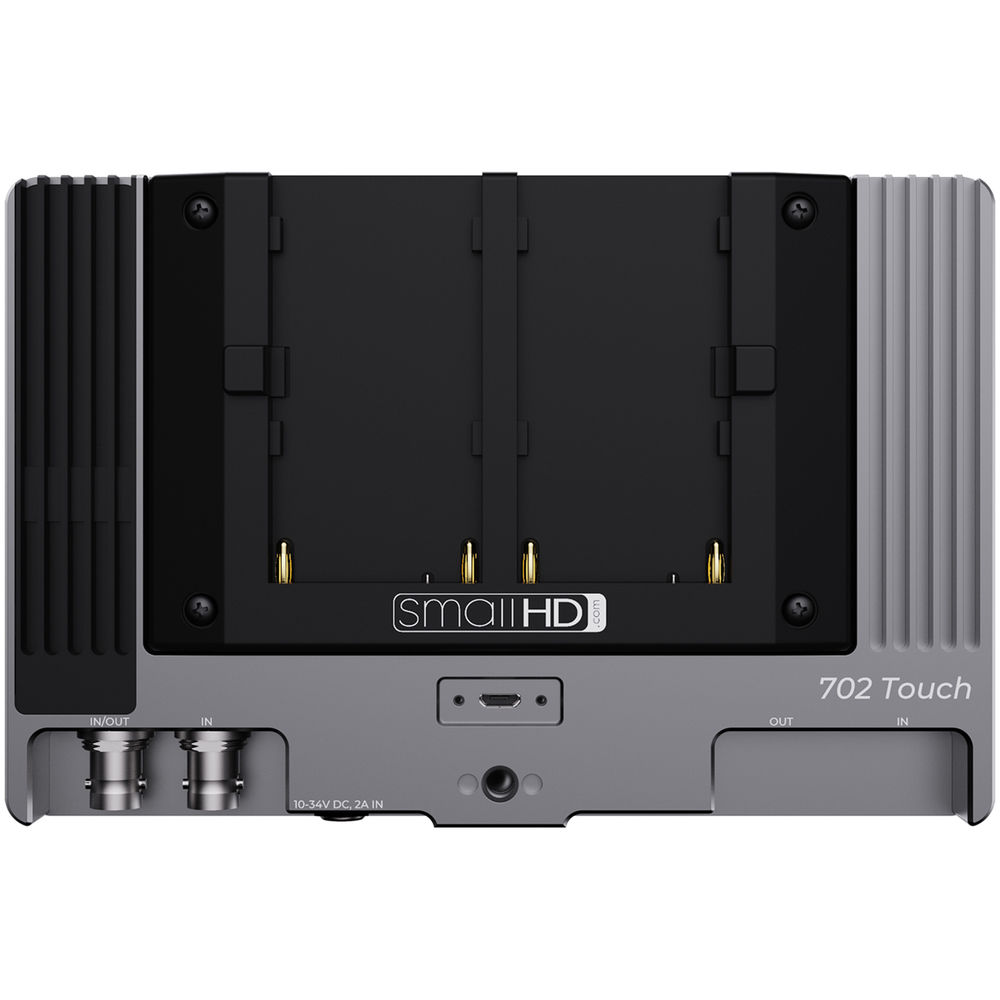
On-Camera Monitors vs Field Monitors
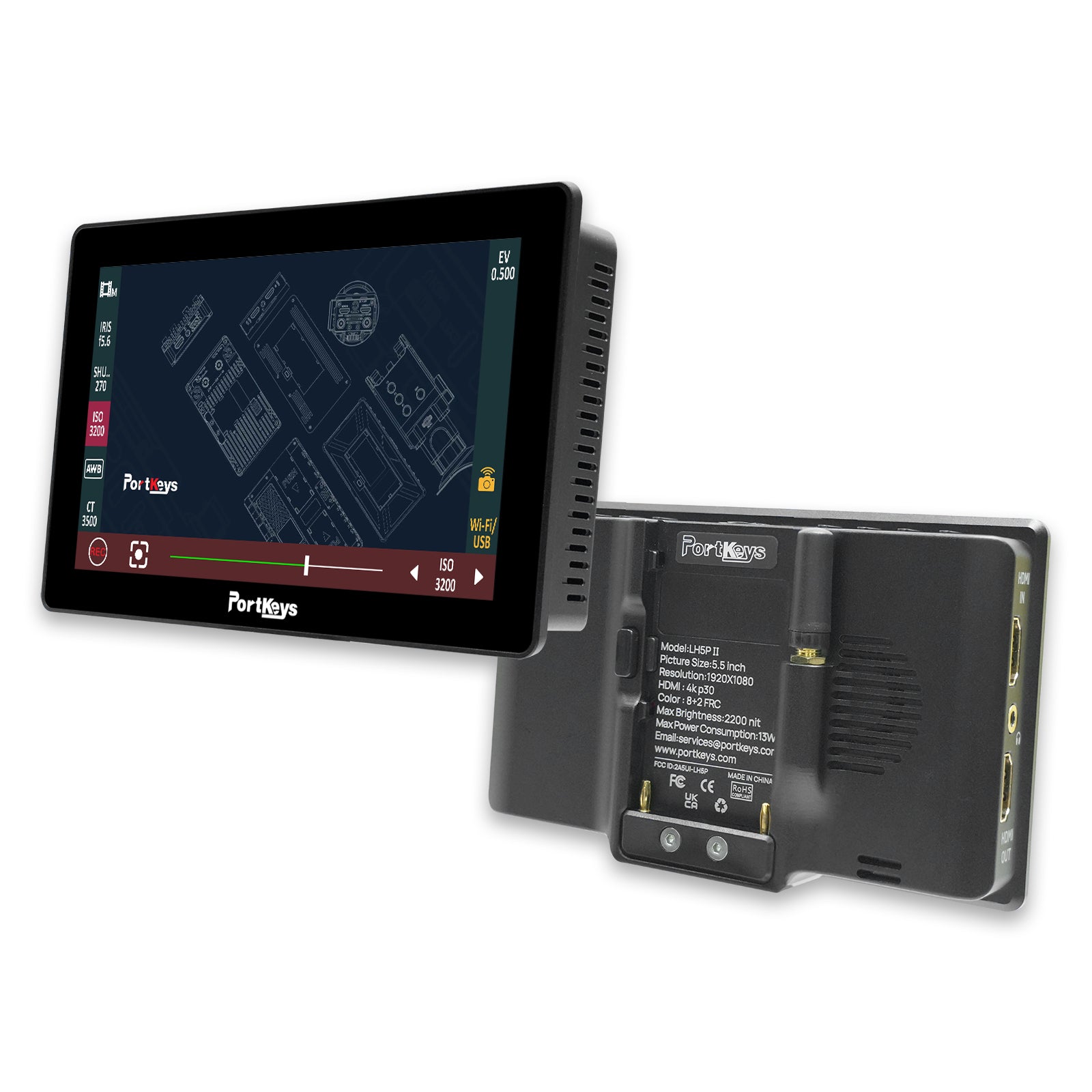
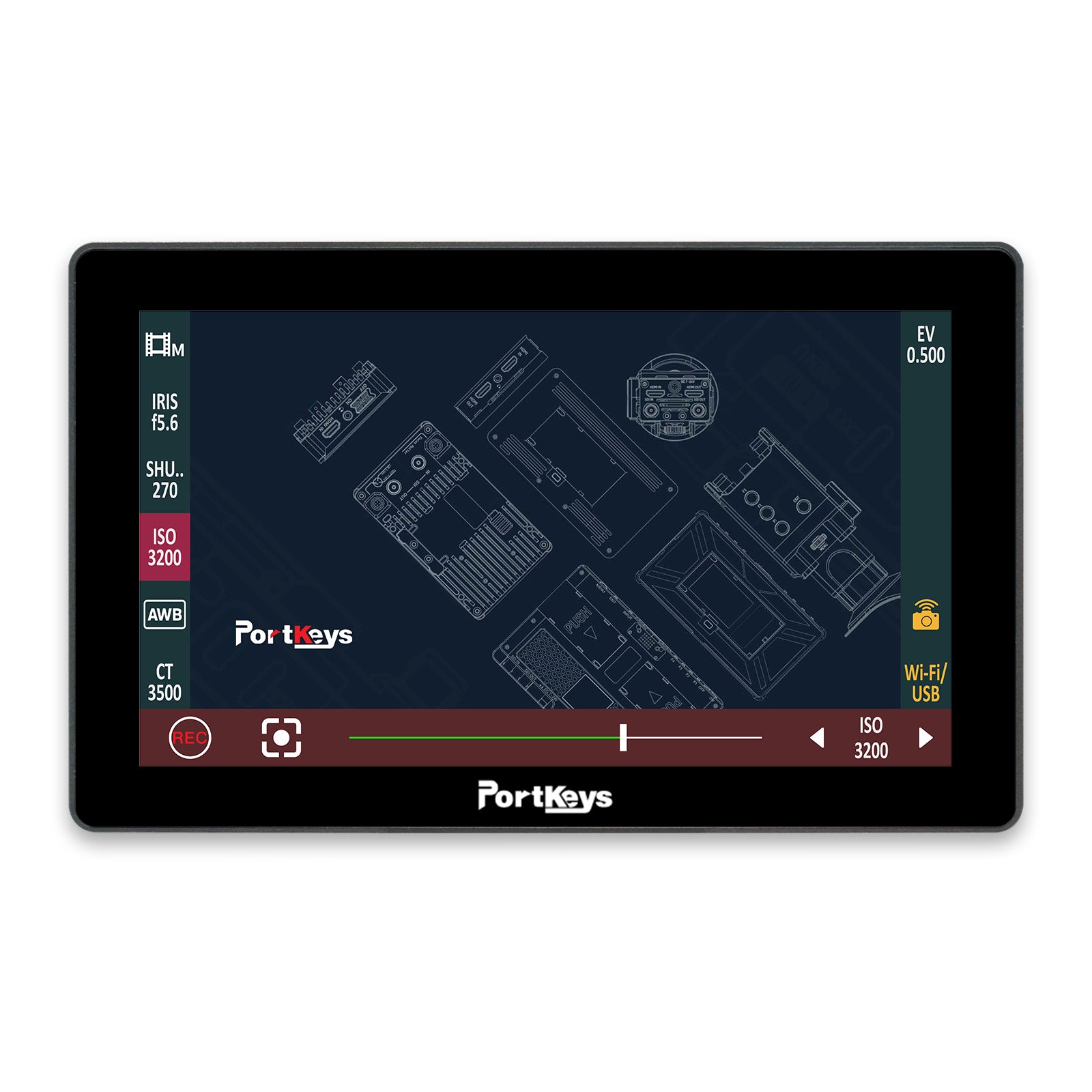
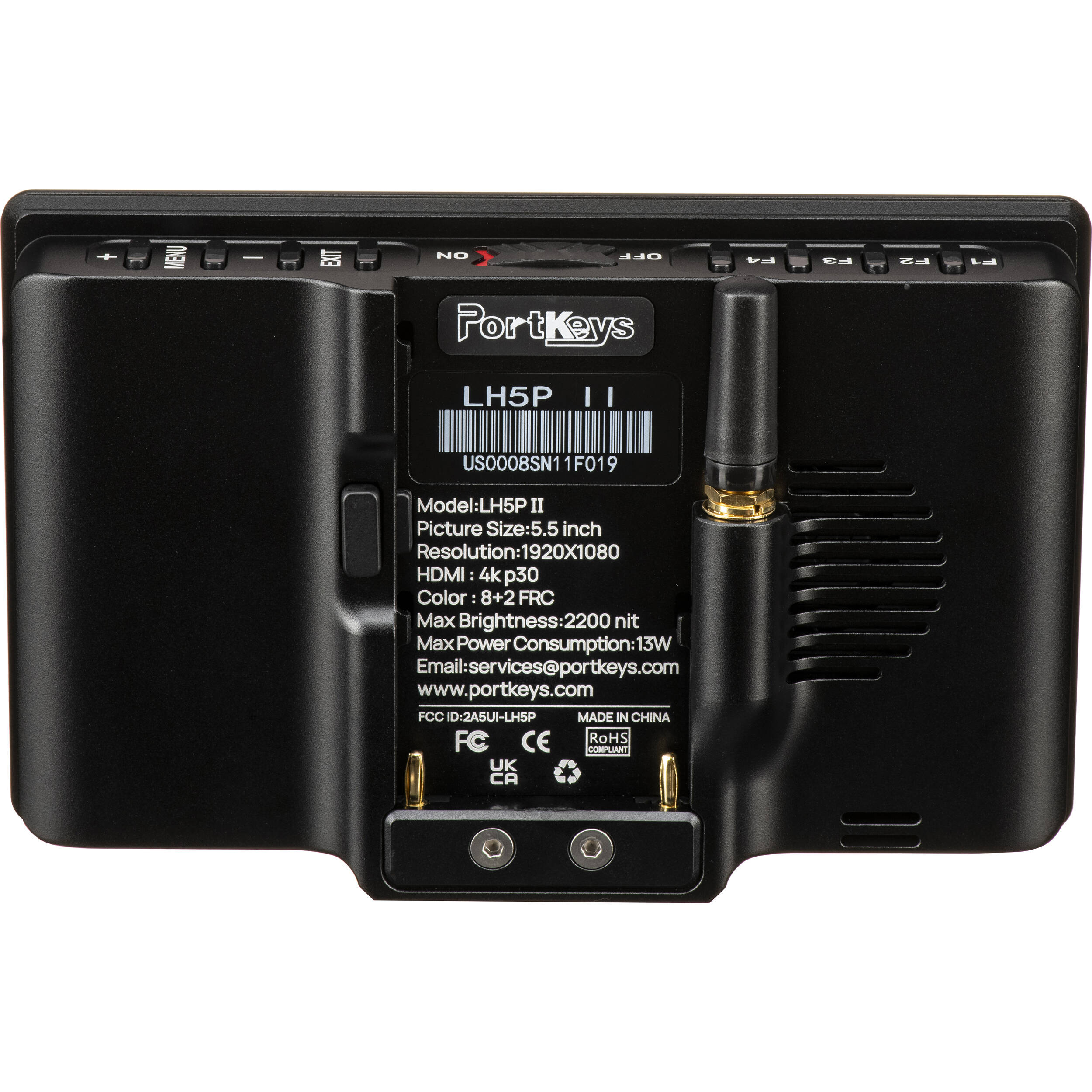
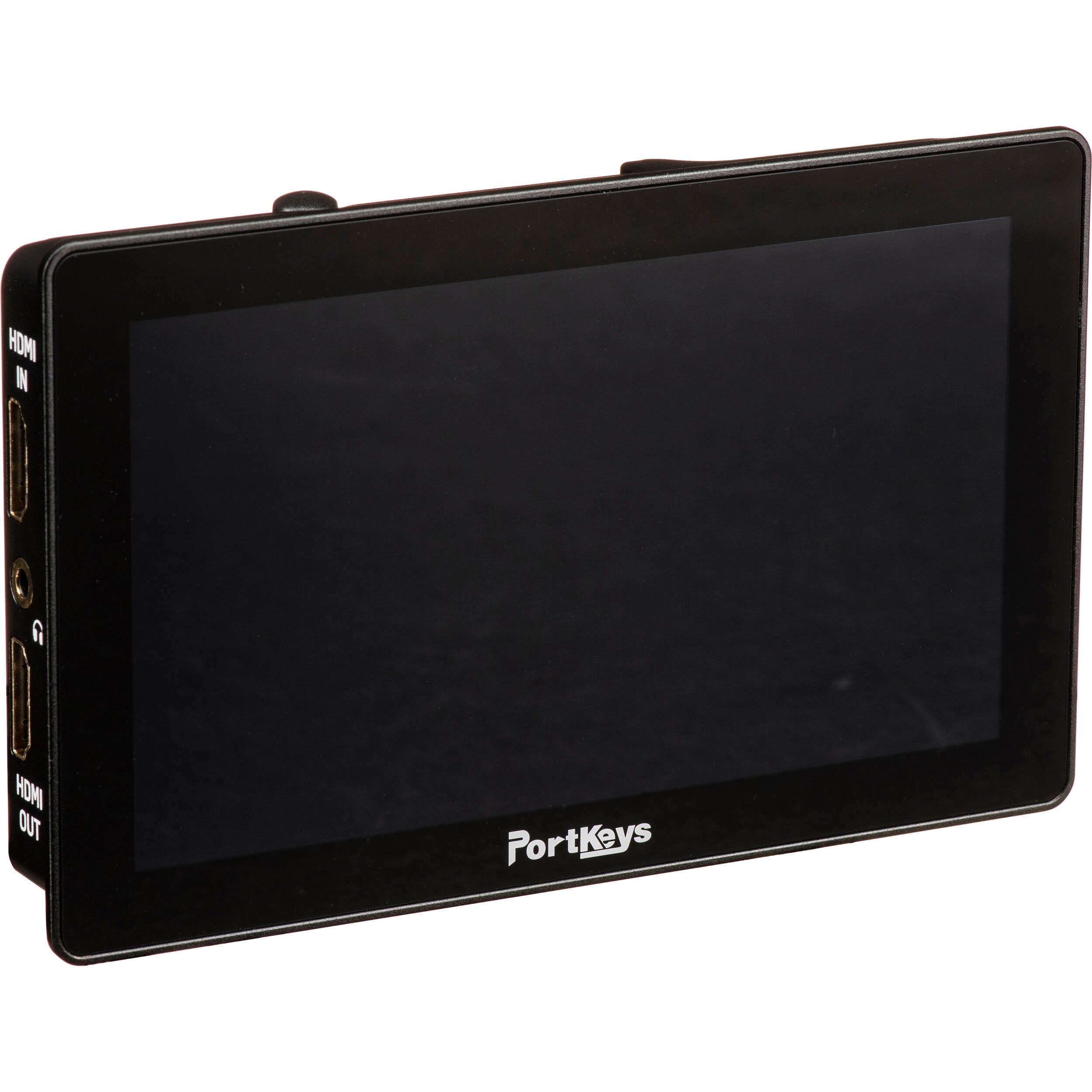
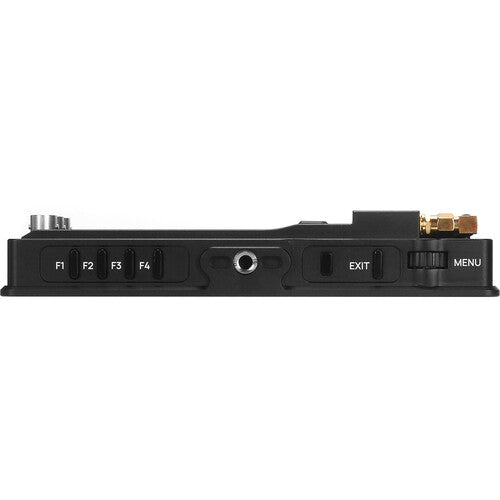
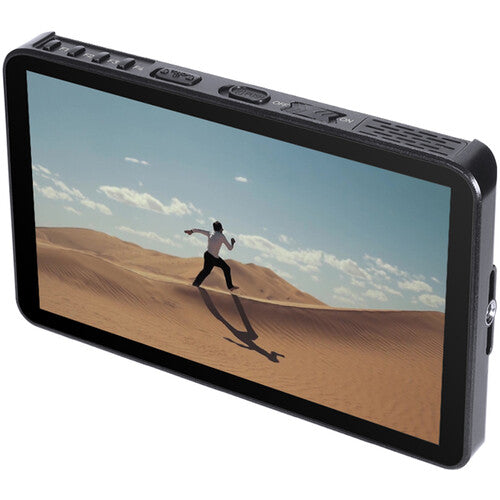
One of the main differences within this collection is the distinction between on-camera monitors and field monitors. On-camera monitors are typically chosen for compact builds, mobile rigs, and fast-moving production setups where a lightweight form factor is important. They are often used by solo creators, camera operators, and smaller crews who want a more practical monitoring solution without significantly changing the footprint of the rig.
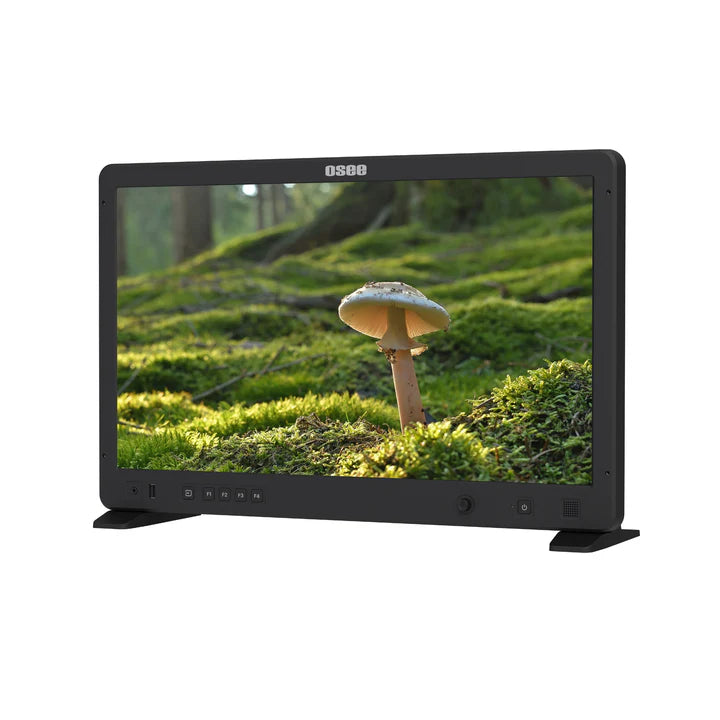
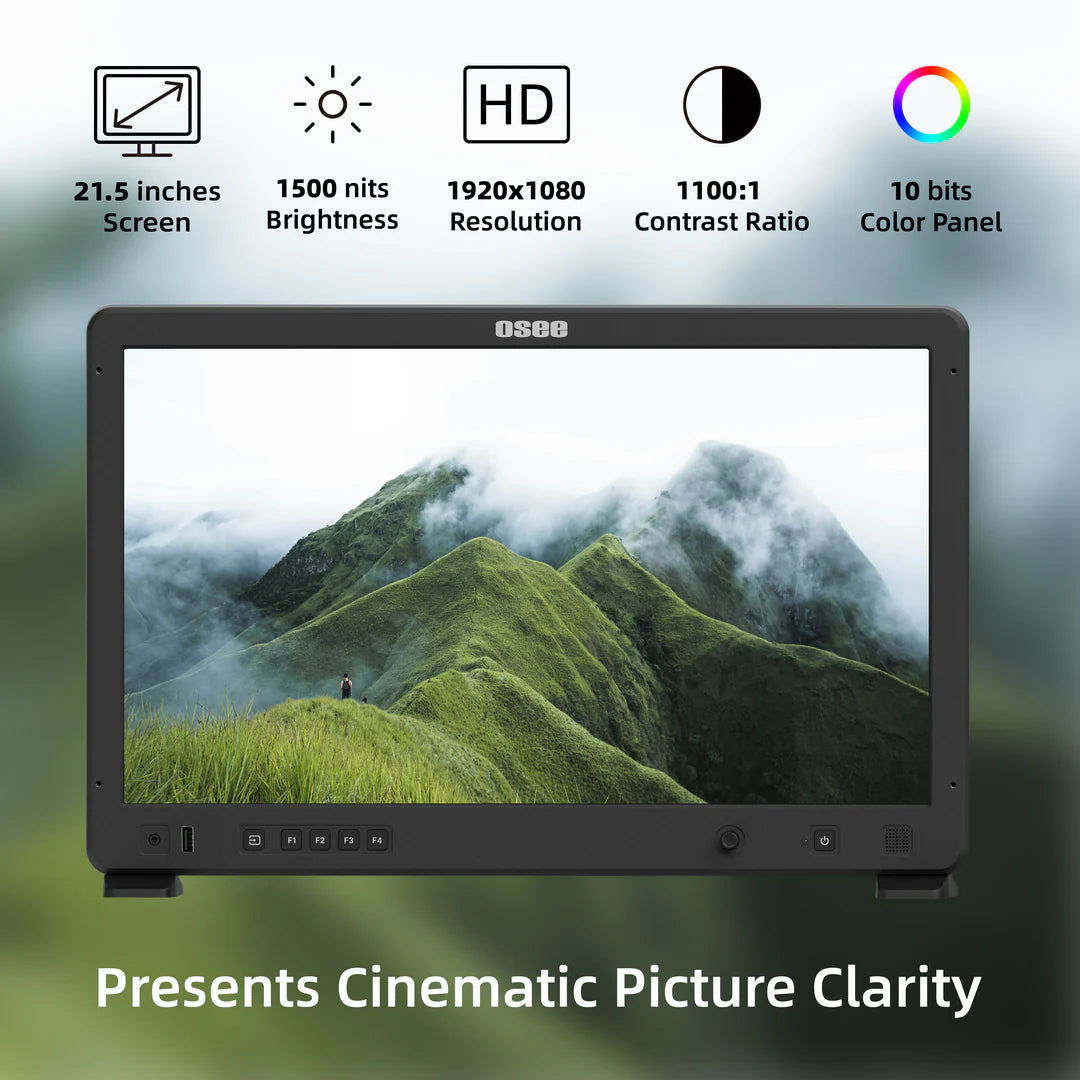
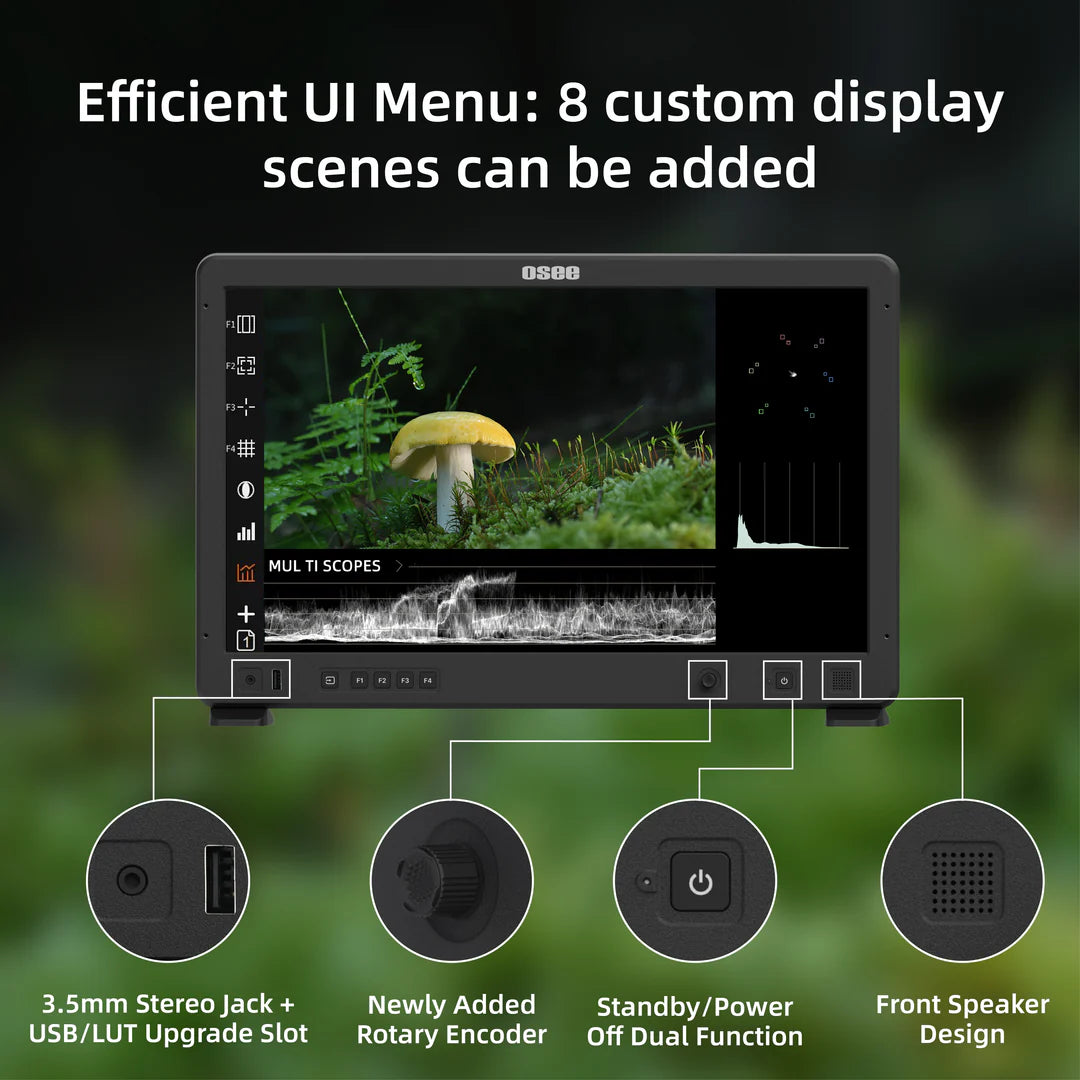
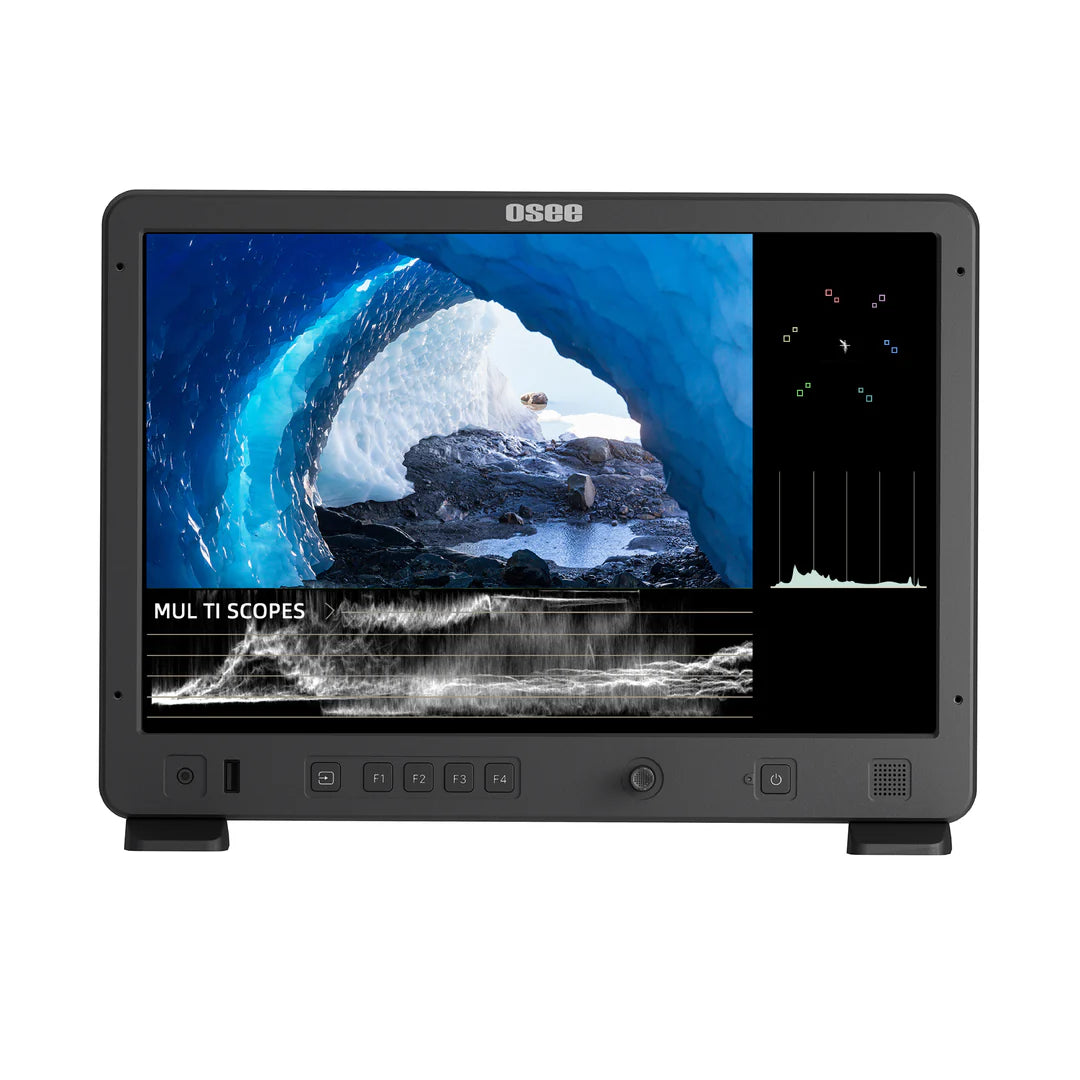
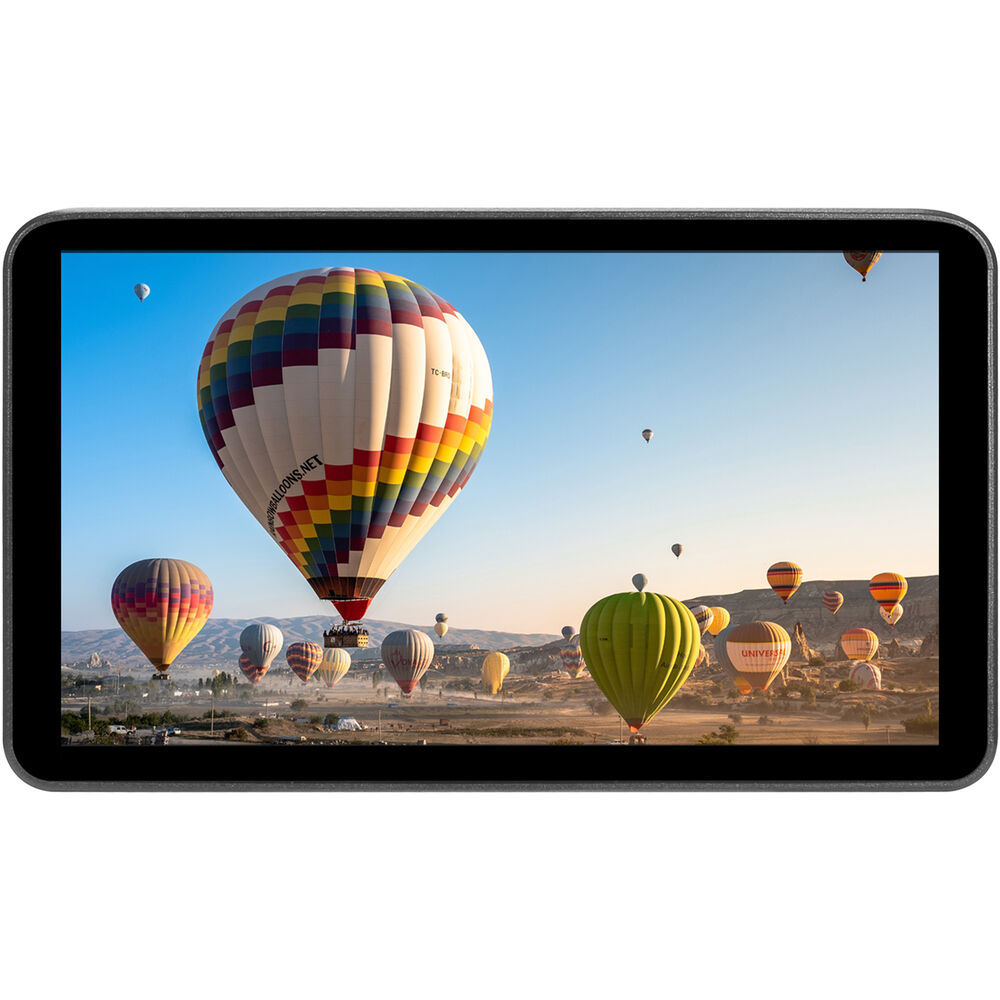
Field monitors are generally used in setups where screen visibility, monitoring flexibility, or collaborative viewing matters more. These monitors may be better suited to production environments where multiple people need to review the image, where a brighter display is useful, or where the monitor is part of a larger camera and video workflow. The right choice depends on how the monitor will be mounted, who needs to view it, and what the production environment requires.
This is why a collection page like this should help buyers distinguish between compact monitoring options and more workflow-driven field monitor setups. If you are building out a broader monitoring or camera support workflow, it may also help to explore related categories such as wireless video, camera accessories, and V-mount and G-mount batteries.
How to Choose the Right Monitor for Your Workflow
The best monitor for a given user depends on the type of production, the size of the rig, and the viewing demands of the shoot. Some users need a compact monitor for handheld or run-and-gun work, while others need a field monitor that fits a more structured production setup. Starting with the workflow is usually more helpful than starting with brand alone.
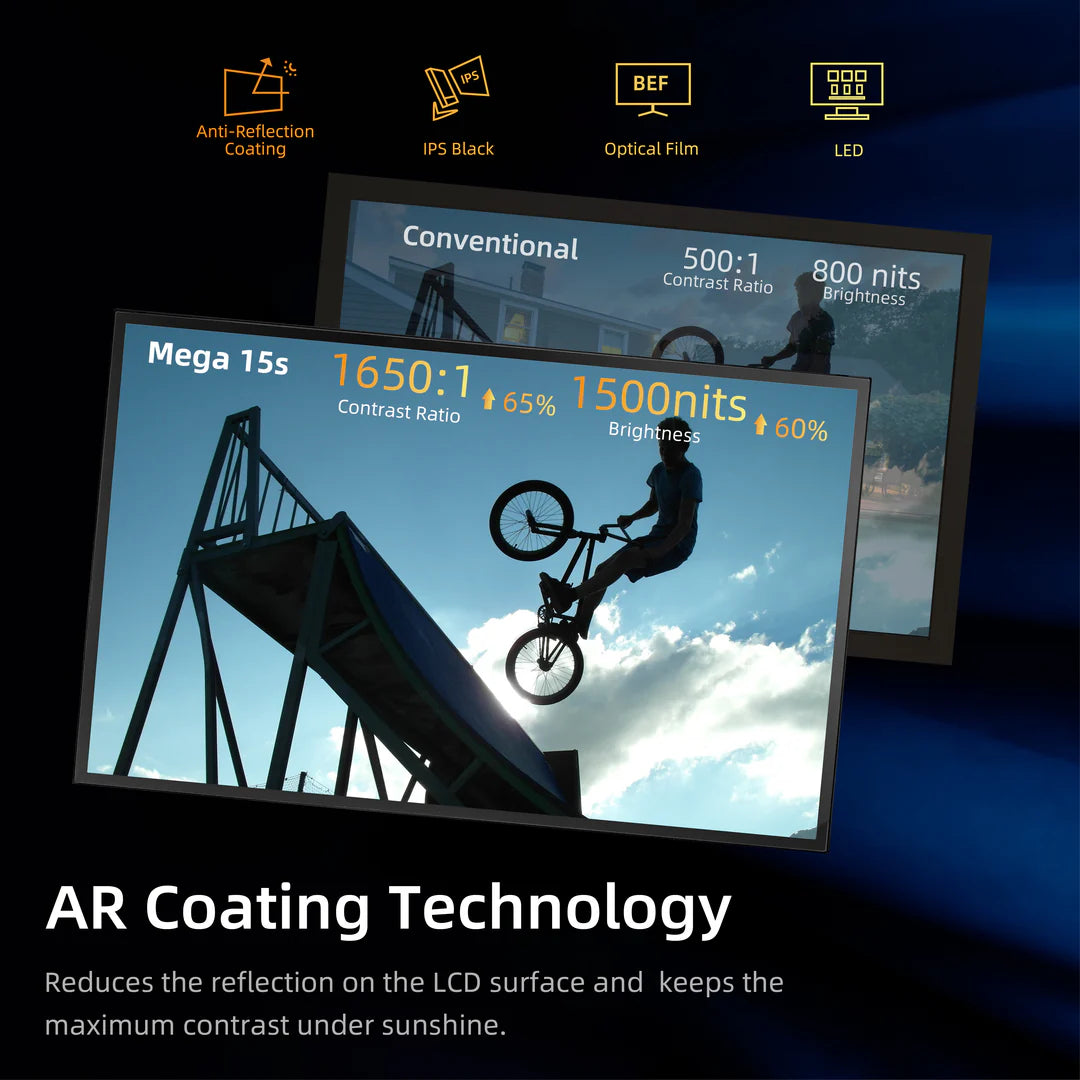
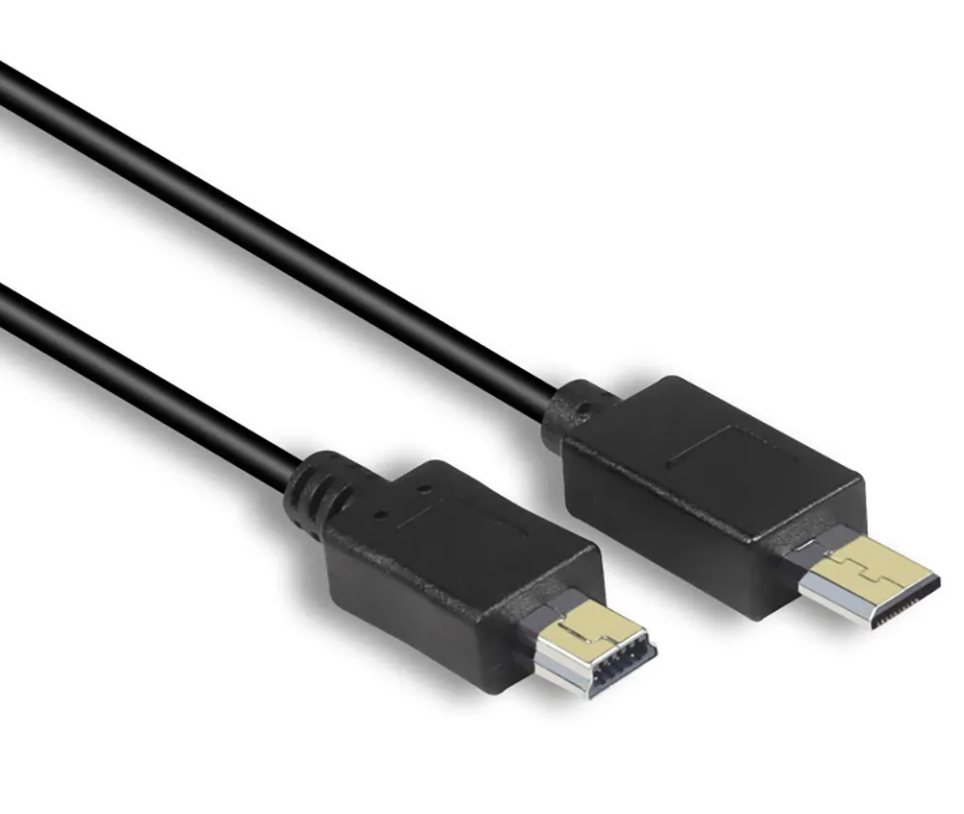
Screen size is one of the first practical considerations. A smaller monitor may be better for lightweight camera setups, while a larger display may be more useful when visibility and on-set monitoring matter more. Brightness can also be an important factor depending on whether the monitor will be used indoors, outdoors, or in changing shooting conditions. Buyers may also want to consider how the monitor fits into the rest of the setup, including mounting, power, and video signal requirements.
For users comparing adjacent production tools, it may also be useful to browse related collections that support a complete monitoring workflow. Depending on the setup, that could include wireless video systems, camera accessories, or battery solutions that help support longer shoots and more flexible field use.
Video Monitor Setups for Different Production Needs
Different monitor setups serve different production needs. A solo creator or compact crew may prioritize portability, rig balance, and fast deployment. A larger production team may prioritize viewing flexibility, better visibility, or a monitor setup that supports a broader camera department workflow. This makes it important to choose a monitor that fits not just the camera, but the way the production is actually run.
Users shopping this collection may be comparing options for filmmaking, studio work, interviews, commercial production, content creation, or mobile video setups. Instead of treating all monitors as interchangeable, the page should help guide buyers toward the kind of monitoring solution that fits their workflow, their rig, and the demands of the shoot.